Demo website
Beauty
A website with online booking
Clients choose a service and available time. You manage the schedule.
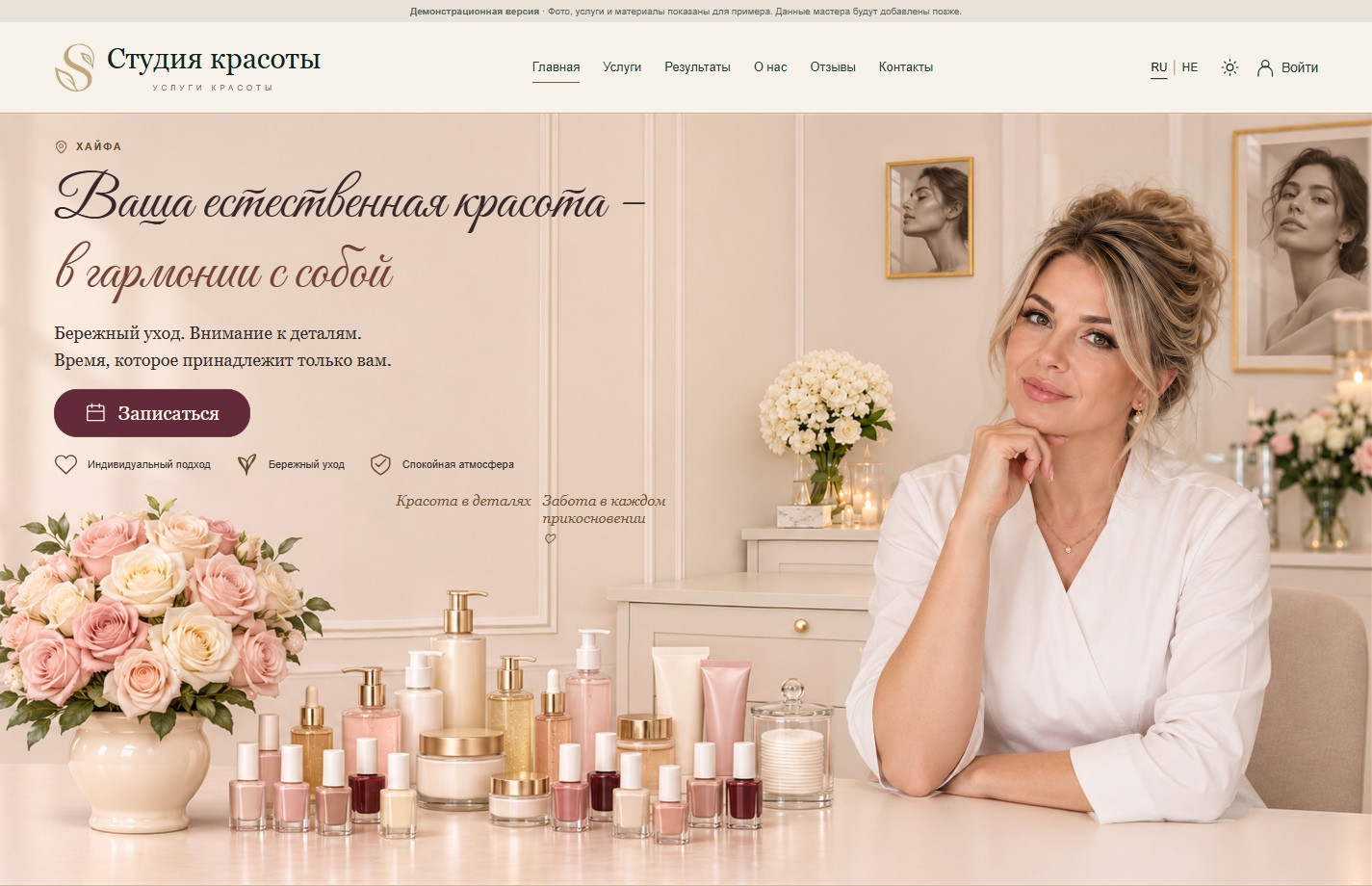
For visitors and customers
Website in development. Booking and management work with a separate local demo database. Changes persist after reloading. The data is fictional; no real messages are sent. Do not enter personal information.
Meet the specialists
- View specialist profiles, areas of work, services, prices and treatment durations.
- Browse photos, before/after comparisons, sample certificates, reviews and offers.
Choose a time and book
- Select a specialist and one or more of their services; see the total price and duration.
- Choose an available time that accounts for schedules, breaks, days off, blocked periods and existing bookings.
- Submit a booking with fictional contact details: it appears in the demo admin area.
Return to your bookings
- Sign in to a client account and view your own bookings.
- Use Russian or Hebrew and the light, dark or system theme.
Demo limitations
- Contact buttons do not send messages or open real contact details.
- Payments and real notifications are not connected; password reset emails are not sent.
- The demo website does not yet have an English version.
For the owner and administrator
Website in development. Booking and management work with a separate local demo database. Changes persist after reloading. The data is fictional; no real messages are sent. Do not enter personal information.
Work with bookings
- View the calendar, create, reschedule and cancel bookings, and change their status.
- Select multiple services for a visit and see its price and duration.
- View clients, bookings and statistics; bookings made on the public site appear here.
Manage the team and schedules
- Edit specialist profiles and access; archive profiles while preserving their history.
- Set working hours, breaks, days off and blocked periods for each specialist.
- Specialists sign in to their own area to manage their services, bookings, clients and materials.
Edit services and content
- Edit services, prices and durations, photos, before/after comparisons, certificates and reviews.
- Manage offers, text and the materials selected for the homepage.
- Saved public changes appear on the site; the copy's database is separate from the source.
Try the management area
- Access requires a username and password; separate demo accounts are used.
- The copy retains four active DEMO specialists, Svetlana's archived profile and the original sample booking.
- The demo supports Russian and Hebrew with three themes. No payments or external messages; email password recovery is disabled.