Demo website
AUTO PRO
Website and service management
Requests and teamwork in one place. For businesses with several workflows.
For visitors and customers
Demo dashboards with fictional data. Changes stay in the current tab and reset on reload. Production server authentication, payments and external messages are not connected.
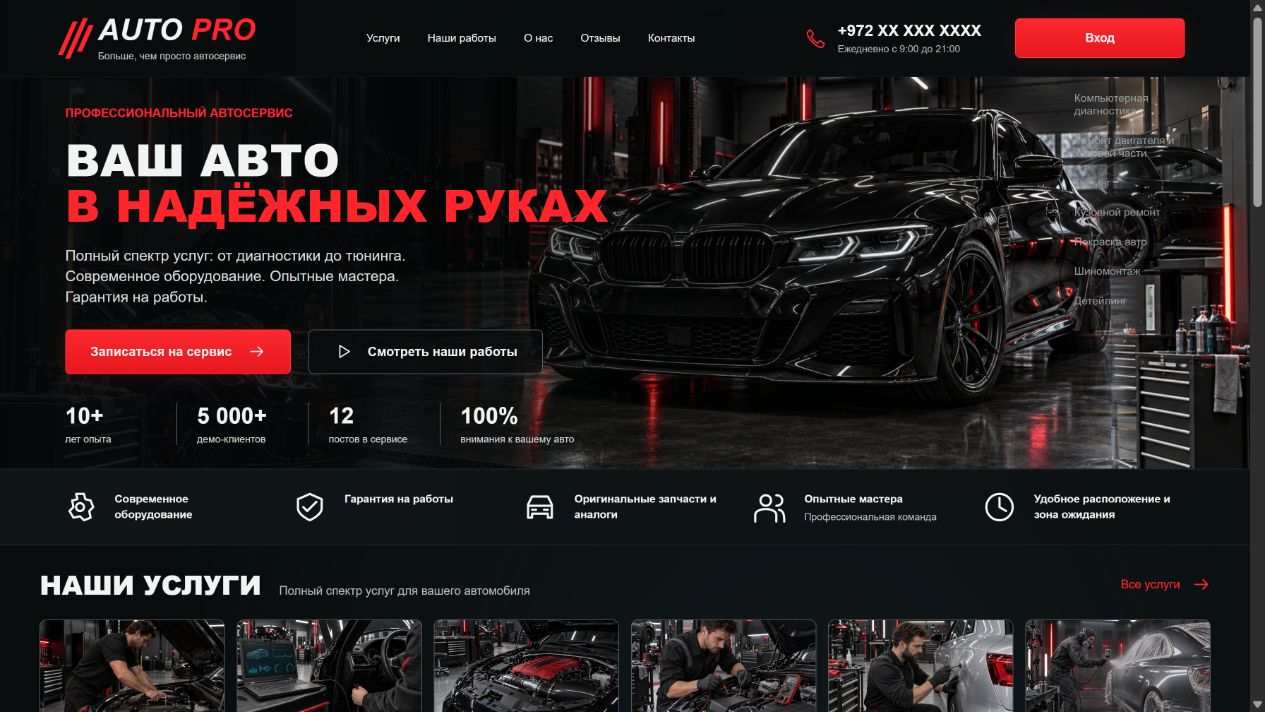
Explore the service
- View services and the explanation that prices are determined after diagnostics.
- Explore demo work and compare before-and-after photos.
- Meet the fictional team, read sample reviews and answers to questions.
Try the customer dashboard
- View your demo vehicles, service history and repair progress.
- Choose a vehicle, service, date and time for a demo appointment.
- Enter a reason for the visit, a comment and the vehicle’s approximate mileage.
- Times come from a simplified set of slots, without full team scheduling calculations.
What is not connected yet
- The homepage form shows a demo response but does not create an order in the management dashboard.
- Contact buttons do not call or send messages; no payments are processed.
- There is no working database or secure server sign-in yet. Changes stay only in this tab’s memory.
For the owner and administrator
Demo dashboards with fictional data. Changes stay in the current tab and reset on reload. Production server authentication, payments and external messages are not connected.
Demo owner dashboard
- Manage fictional enquiries, orders, customers and vehicles.
- Add and edit employees, assign roles, set their schedules and view workload.
- Assign technicians, reschedule orders, change statuses and add work, notes and parts.
- Edit services and prices, reviews and settings; choose prepared demo before-and-after photos.
- View demo figures and payment markers, without processing real payments.
Demo customer dashboard
- View your vehicles, service details and history; try booking a service.
- Appointments appear for staff when switching accounts in the same tab without reloading.
Limits of the current demo
- Sign-in and roles are simulated in the browser: there is no working database or server authentication yet.
- Changes stay only in tab memory and do not survive reloads or transfer between tabs.
- Dashboard content changes do not update the homepage yet.
- The public form does not create an order in the management dashboard. No messages or payments are sent.
- Booking uses a simplified time selection. All people, vehicles and orders are fictional.
Additional roles
Demo manager dashboard
- Work with enquiries, orders, customers and vehicles.
- Assign technicians, reschedule orders and change their status and price.
- View team schedules and workload; edit available services and reviews.
- Global finances, settings and employee account management are unavailable.
Demo technician dashboard
- View assigned jobs and a personal calendar.
- Change the status of assigned orders; add completed work, notes, parts and prepared demo photos.
- The full customer database and settings are unavailable; prices are hidden by default.